TAWK setup
- Setup your Tawk account for the poster chat
First steps
1. You shall receive an invitation to tawk.to in your mailbox
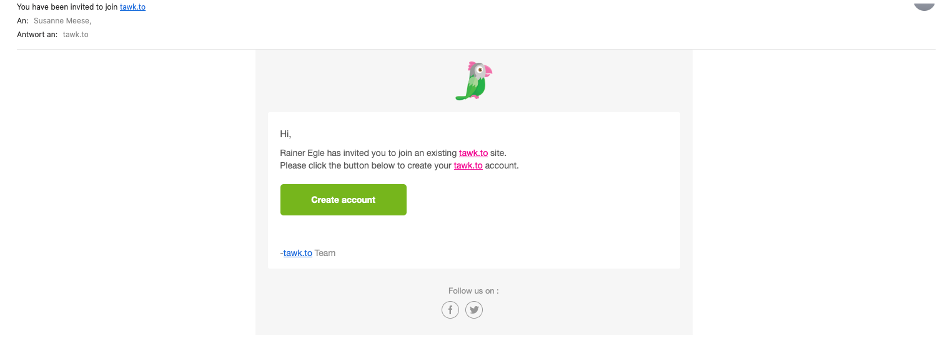
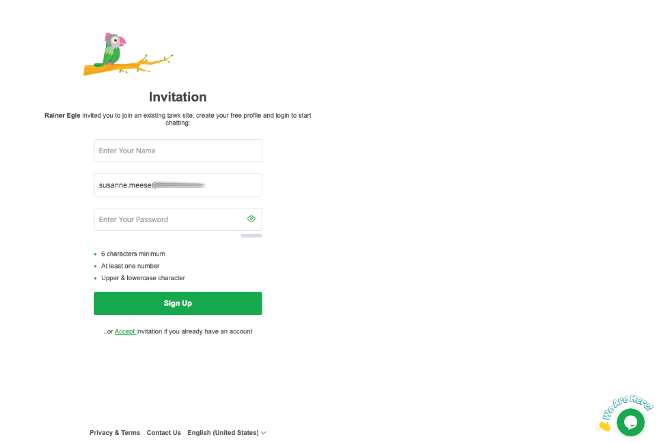
2. click on the button in order to switch to the login page of tawk.com. Create an account. Please use your real name.
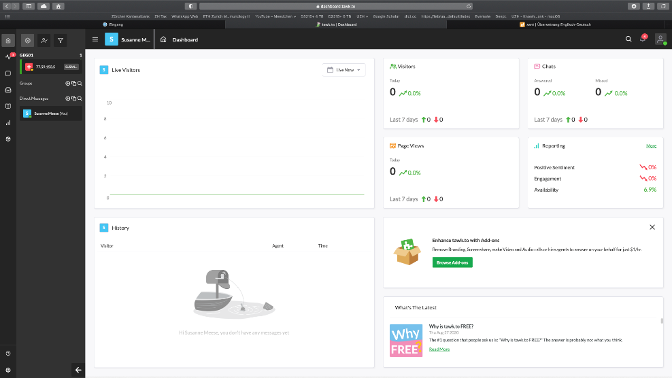
3. Explore the user interface:
3.1 Dashboard
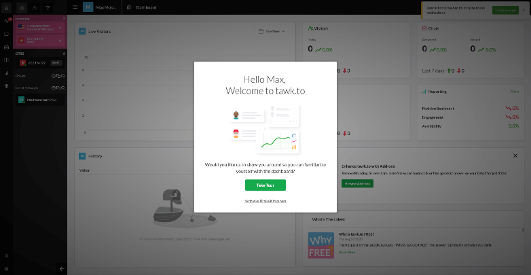
3.2 Take tour: it is provided by the system

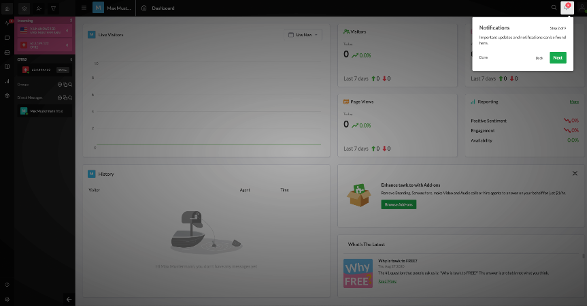
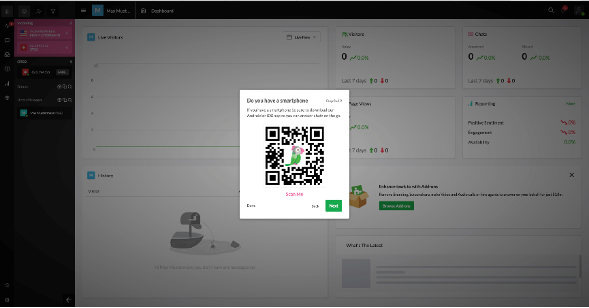
4. Use the mobile app on your phone if you want
5. Simulate a visitor: check that everything is working
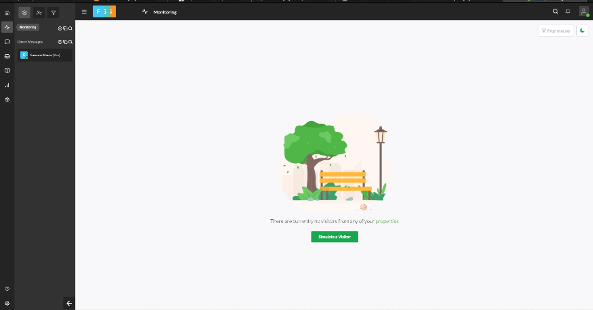
6. First chat with a visitor: what to do?
6.1 visitor is writing, and a sound notification appear
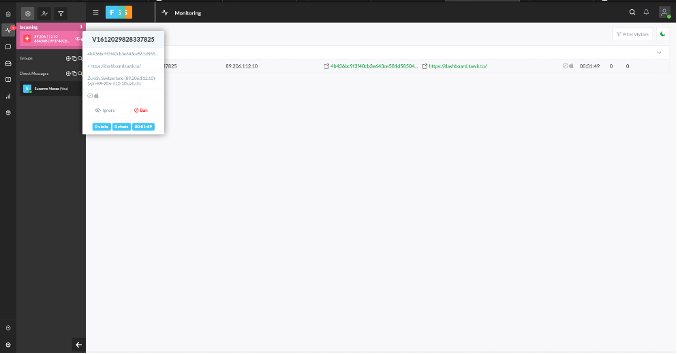
6.2 join the chat (you cannot write if the chat field is still grey)
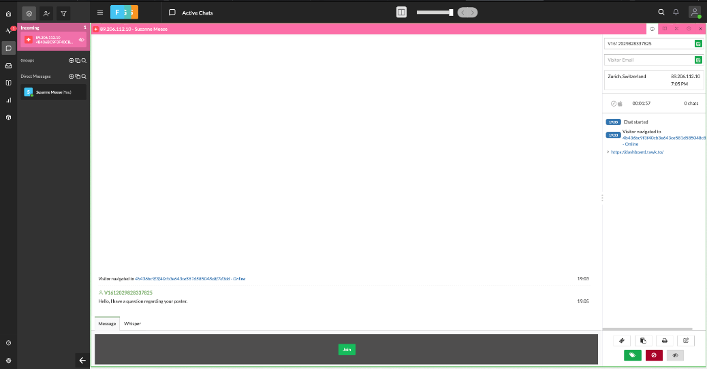
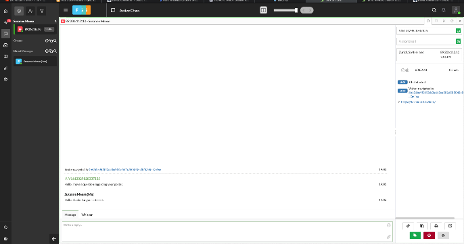
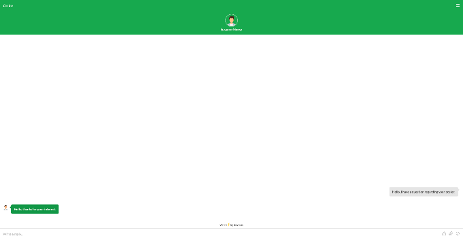
6.3 have a chat (left what you will see, right what the visitor will see)
6.4 visitor leave the chat:
